when a role is assigned to a user, only the reports allowed in that role are visible when the user logs in.
Posted on 2025-08-22 Updated on 2025-08-221 . User Login
- The user logs into the PreciseCA web application using mobile number + OTP.
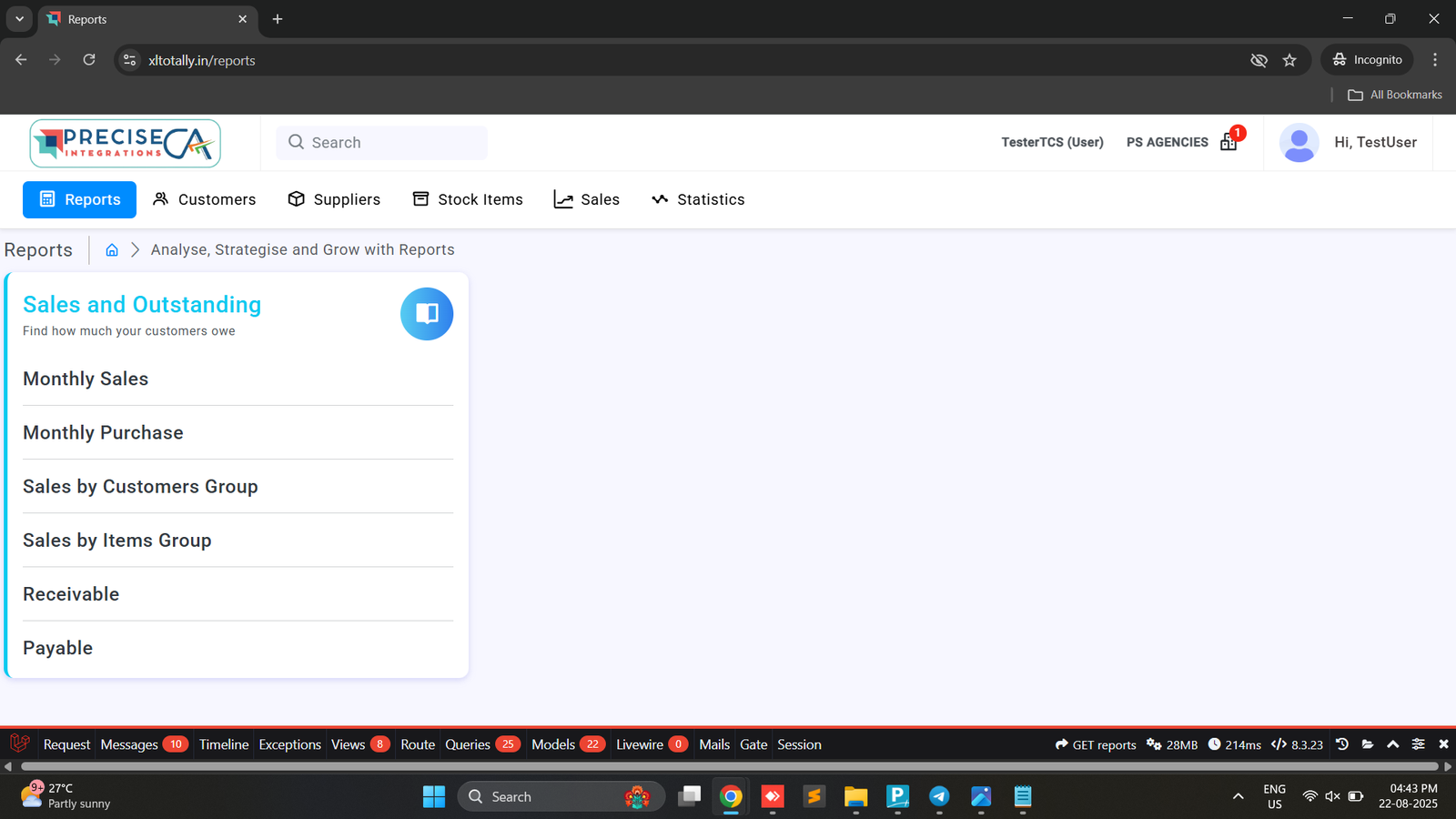
- After login, the user navigates to the Reports section.
2 . Reports Shown Based on Role
- The system checks the user’s assigned role.
- Only the reports mapped to that role are displayed.
Found this article helpful?
[ 0 Out of 0 Found Helpful ]