How to Login Organization Admin
Posted on 2025-08-221. Open the PreciseCA Web Application.
2. Enter your registered mobile number and click Send OTP.
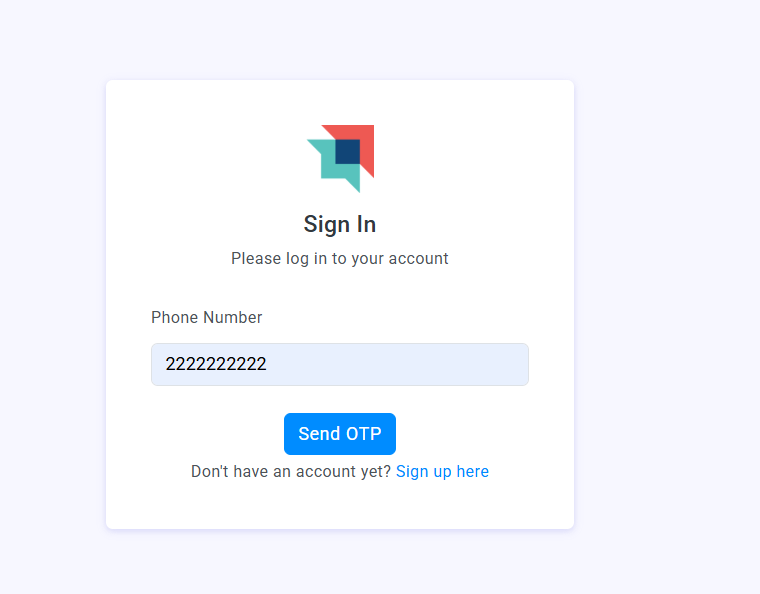
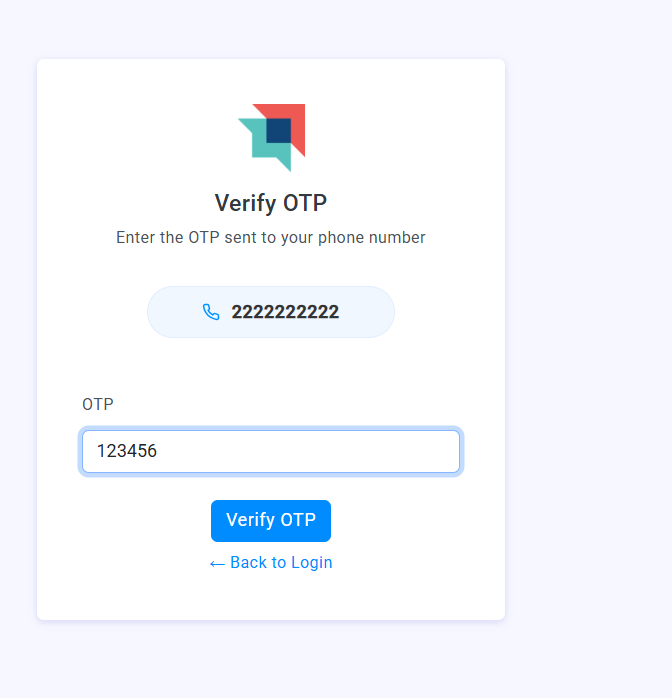
3. Enter the OTP received on your phone and click Verify OTP.
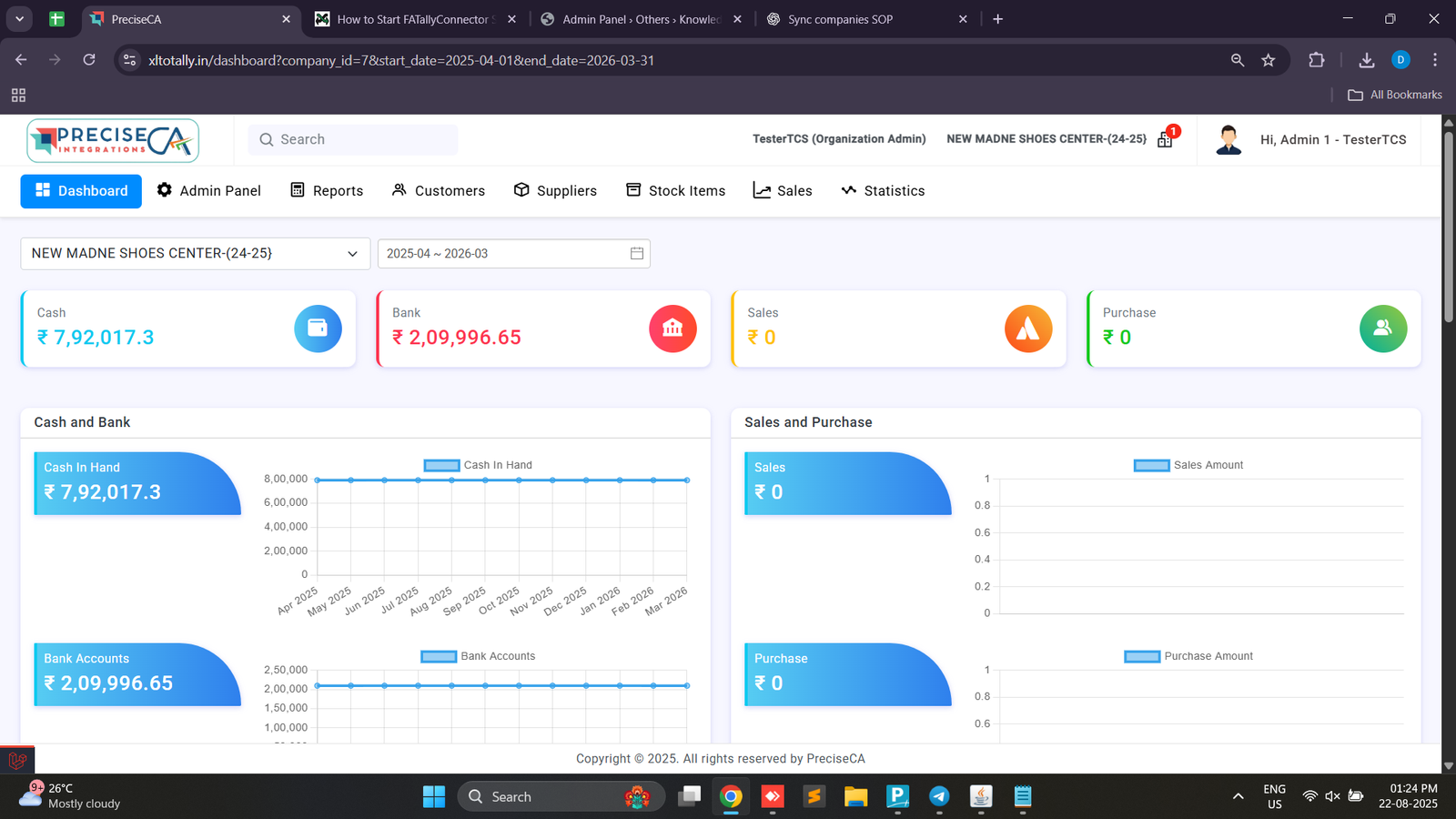
4. Once verified, you will be redirected to the Organization Dashboard.
- Here you can see key financial stats such as Cash in Hand, Bank Balance, Sales, and Purchases.
Found this article helpful?
[ 0 Out of 0 Found Helpful ]